Overview
This section covers how to set up and use Series Summary.
Series Summary enables quick comparison of multiple scenarios within the same folder, which is essential for market analysis.
Setting Up
Learn how to setup and use Series Summary.
- Phase 1: Open Series Summary
- Phase 2: Select a Scenario Folder
- Phase 3: Analyze
1
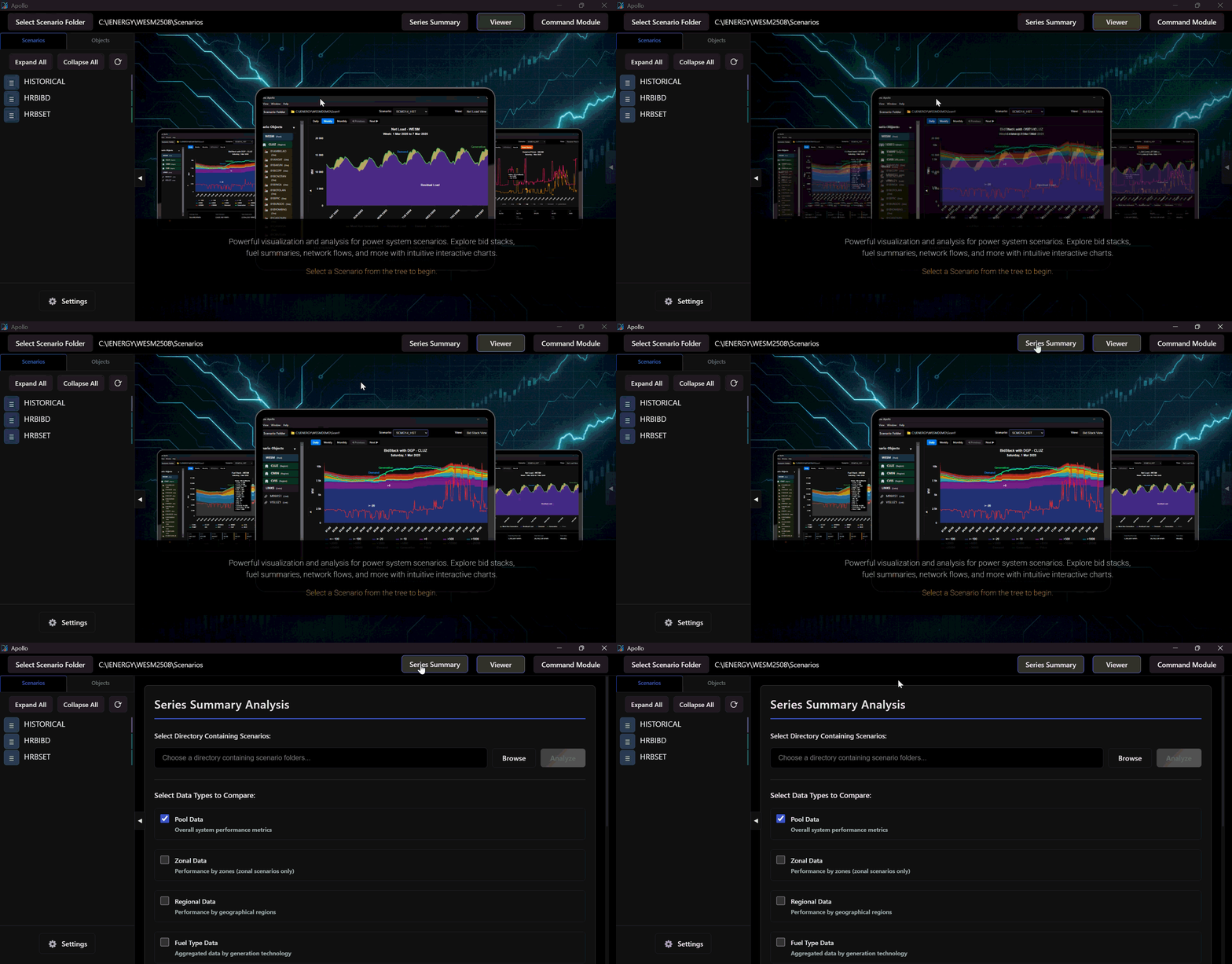
Open Series Summary
Open Apollo and go to Series Summary